
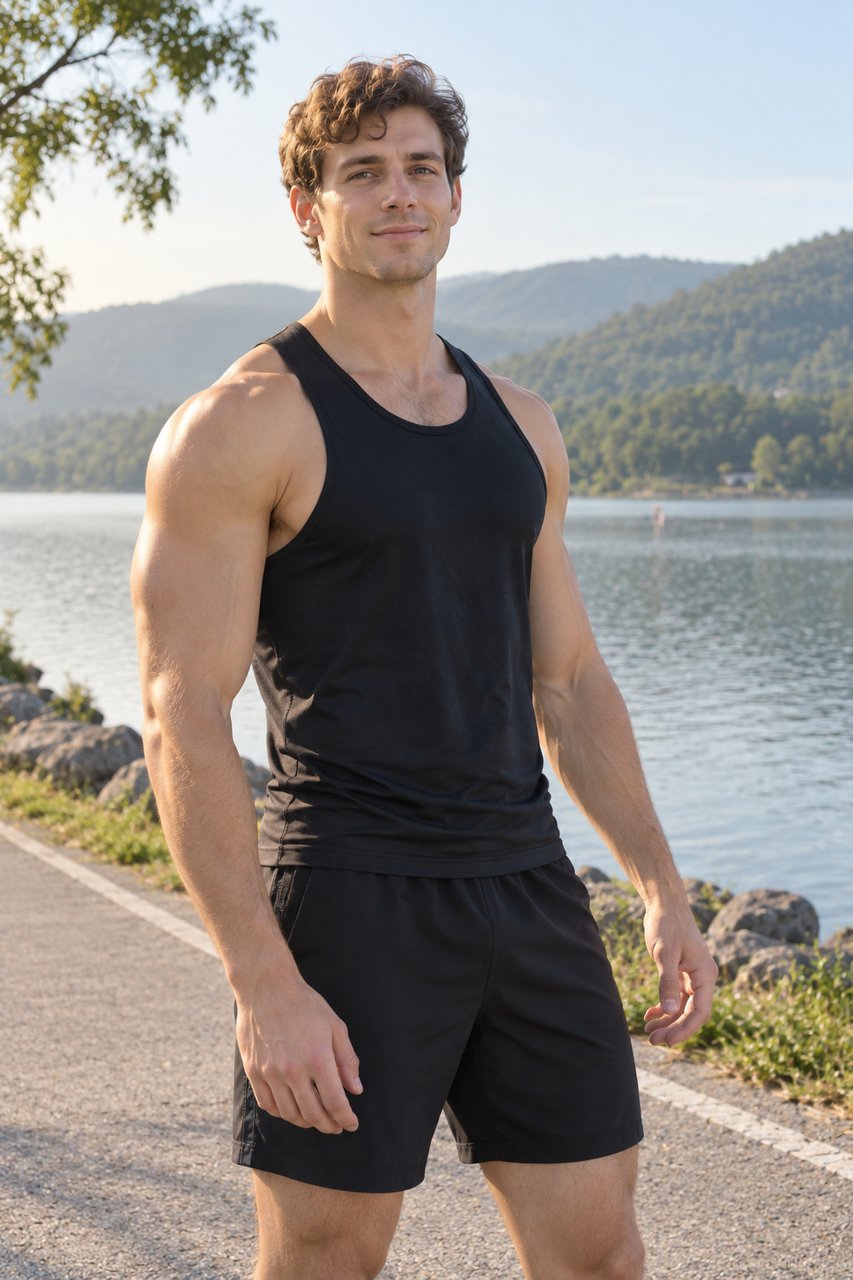
Photography guidance for iPhone
ShotGuide
Look like yourself.
A little guidance for your angle, pose and expression.
See how it worksFor iPhone · Coming soon01 / A little direction
Know what to try next.
One helpful step at a time, right beside the camera. You choose the shot. The guide helps you get there.
Guidance illustration
Tap a step to explore. The app’s guidance adapts to your selected scene and shot.
02 / A place to start
Find your starting point.
Explore a pose, a setting, a different side of yourself. Bring your own reference into the viewfinder, too.
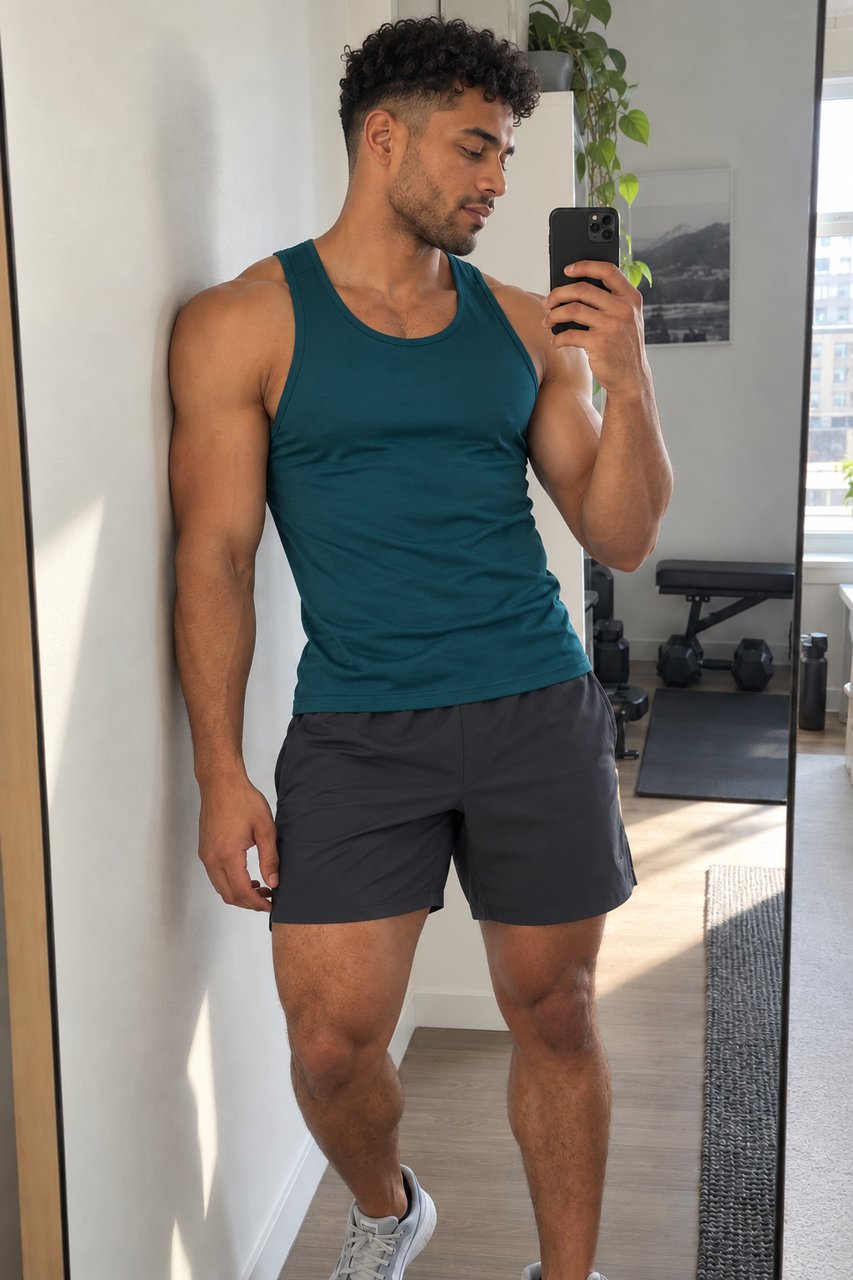
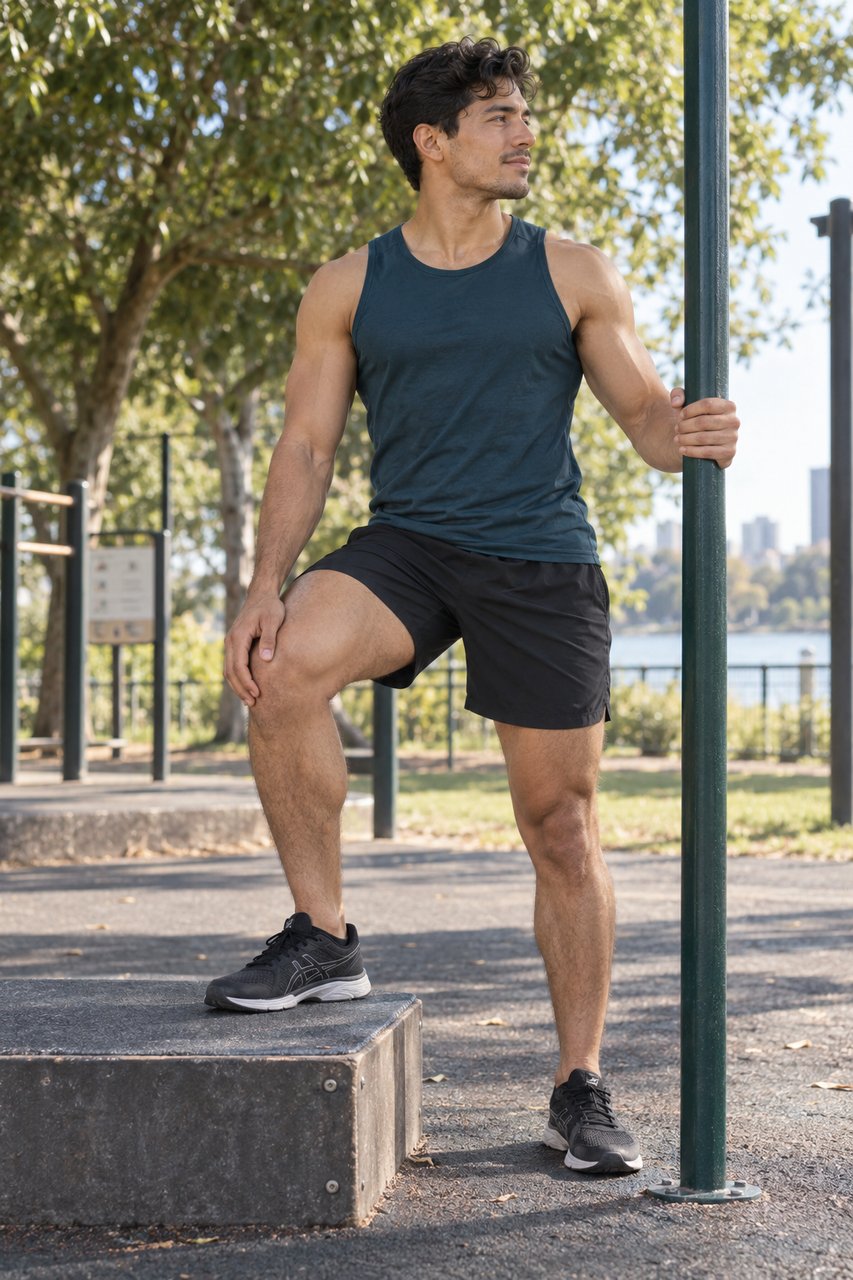
Swipe to explore the references →
Images are AI-generated pose references from the app’s library, not photos captured with ShotGuide.
No account needed
Open the camera and begin. The current app has no ads or third-party analytics.
Originals stay original
Guides and overlays stay out of your original files. Your photos are stored locally in the app.
You choose what to save
Add a photo to Apple Photos when you’re ready. ShotGuide does not scan your photo library.

Made for iPhone · iOS 17 and later
Your next photo, a little more natural.
ShotGuide is coming soon. The App Store link will be available here when it launches.
Product supportA few things to know
Does it take photos for me?
You control the shutter. ShotGuide offers scene and pose references, step-by-step guidance and a cancellable timer. Guidance is not a body or beauty score.
Can I use my own reference photo?
Yes. Choose a photo with the system photo picker and use it as an optional viewfinder overlay. It is not merged into your original capture.
What about Live Photo and camera controls?
The app includes framing ratios, timers and supported camera controls. Live Photo, lenses, RAW and manual controls depend on your iPhone and the active camera. See support for details.
Where can I share feedback?
Contact Ken with your app version and the steps that led to the issue. You don’t need to send private photos. Email Ken ↗